

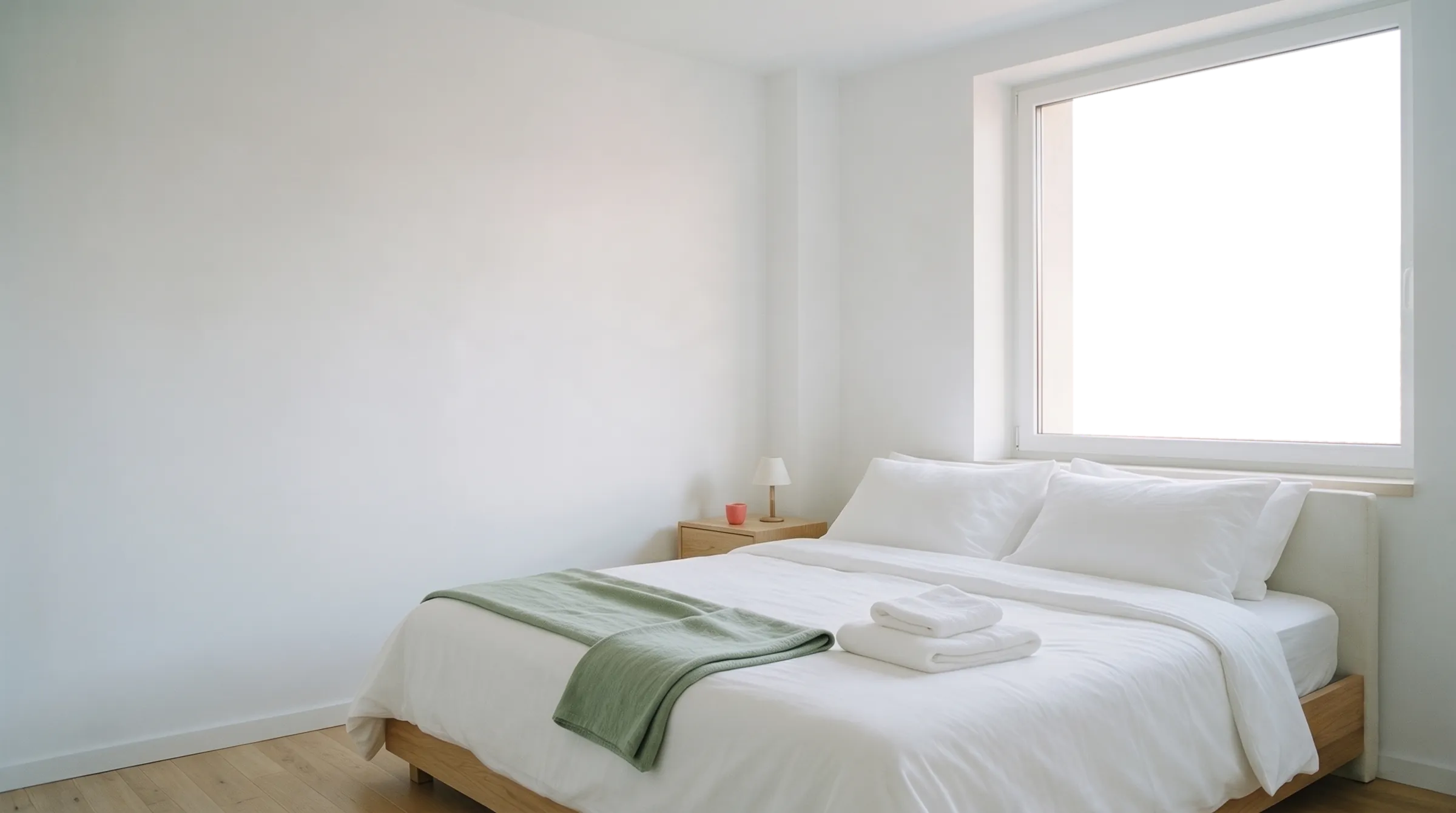


The cleaning between bookings organises itself.
Connect your Airbnb, Booking.com or any iCal calendar. Mophop automatically turns every check-out into a cleaning and sends it to the right Expert.
Start for free See how it works
Already have an account? Log in
1. A booking comes in
A new booking. Mophop is already preparing the cleaning.
When a booking appears in your calendar, Mophop automatically picks up the check-out date and schedules the cleaning in the gap between guests.
- Works with Airbnb, Booking.com, Vrbo and iCal calendars.
- No more creating every cleaning by hand.
- See the check-out, the cleaning and the next check-in in one place.
- Calendar synced.
- Cleaning created: 17 Oct, 11:00.
- Offer sent to Ana, primary Expert.
- If she doesn't answer in time, the offer also goes to the backup Expert.
- Ana accepted. The cleaning is confirmed.
2. The Expert is notified
Each cleaning goes to your Expert automatically.
Your primary Expert gets the offer first, with the date, time, property and price.
If they can't take it, Mophop can automatically move on to the backup Expert or other available Experts.
You can always see whether every cleaning is covered.
Central Apartment
Priority until tomorrow, 09:42
17 Oct, 11:00–14:00 · You get 160 RON · from Mihai
3. The cleaning is confirmed
The Expert accepts. You know it's handled.
As soon as the Expert accepts, the cleaning shows as confirmed in your calendar.
No more calls or messages to check whether someone is coming.
Central Apartment
Ana · Confirmed
Ana accepted the offer · 10:15
4. Access is ready
The Expert gets access when they need it.
The property instructions are available once the cleaning is accepted.
Sensitive details, such as access codes, can be revealed only shortly before the scheduled time.
You can see when they were viewed.
Door code · Central Apartment
Ana viewed the code · 16 Oct, 23:14

5. The cleaning starts
The Expert starts the job in Mophop.
On the day, the Expert sees the schedule, the instructions and the task list.
They tap “Start cleaning” and the job moves to “In progress”.
6. Live checklist
Every property has its own checklist.
Bathroom, bedroom, kitchen or any other area that matters.
The Expert ticks tasks off as they work, and you can follow the progress.
Exactly what needs doing. Every time.
7. Photos and problems
You get proof, not just a message saying “done”.
You can require photos for specific tasks.
If the Expert spots a problem – something damaged, missing or unusual – they can report it straight away in the app, with a photo.
8. The cleaning is finished
Done. The result comes to you.
When the Expert finishes, you get:
- the completed checklist,
- the photos you asked for,
- any problems reported,
- the time it was finished.
The full history is saved with the property.
9. You review the result
You see the proof and confirm everything is in order.
If you're happy with the result, tap “All good”. If something's wrong, tap “Report a problem”.
There's no need to watch over the Expert while they clean. You review the result when it's ready.
The “All good” button appears on cleanings with Protected payment.
 Bedroom · 14:28
6 of 6 tasks ticked
Review: 24 hours
The payment was released to Ana.
10. Payment
The cleaning is approved. The payment is released.
For cleanings with Protected payment, the money is secured before the job starts.
Once it's finished:
- you confirm everything is in order and the payment is released to the Expert;
- or you report a problem;
- if you do nothing during the review period, the payment is released automatically.
Anyone who pays or gets paid through Mophop verifies their identity once, with an ID and a selfie, via Stripe.
- Payment secured, 7 days ahead.
- Ana finished the cleaning at 14:28.
- You have 24 hours to review.
- You confirmed. The payment was released to Ana.
For cleaning Experts
Ana gets paid.
Are you a cleaner? Mophop brings you offers from Hosts and secures your pay before you start.
- Offers, not phone calls
- Hosts choose you as their primary or backup Expert. You see the time and the price and accept with one tap.
- Guaranteed payout
- On cleanings with Protected payment, the money is secured before you start. It is released after the Host's review, or automatically after 24 hours.
- Work in your area
- Choose your home town and how far you're willing to travel. Hosts nearby find you in the Marketplace, and you see the cleanings available near you.
- Transparent commission
- 0% when the Host invites you directly. 10% of the payment when you work together through the Mophop Marketplace. The Host sees one price. Payouts through Mophop go to a PFA, II or company account.

The next guests find the place ready.
Fewer messages. Fewer phone calls. Fewer forgotten cleanings.
A booking comes in. Mophop handles the rest.
Free for up to 3 active properties. Works in the browser, on your phone or computer, with nothing to install. See pricing
Are you a cleaner? For Experts
Sign up